

Practical uses
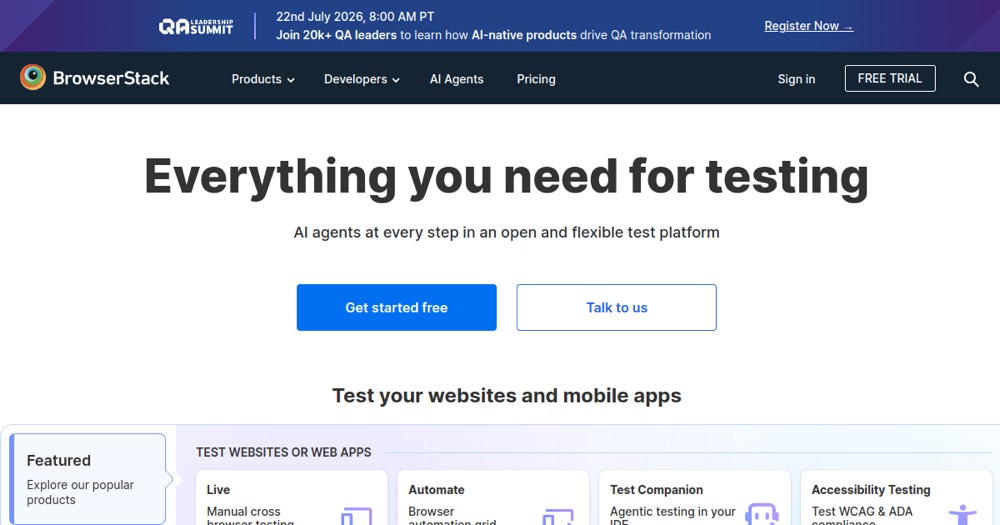
- Test multi-browser compatibility of a web app.
- Automate regression tests across many configurations.
- Test a mobile app on real devices before launch.
Pros and cons
What BrowserStack does especially well — and the limits to anticipate.
Pros
- Access to thousands of real devices.
- Support for manual and automated testing.
- Advanced geolocation and network simulation.
- Free trial without credit card.
- 24/7 email support.
- Significant annual discounts.
Cons
- Complex pricing with separate services.
- Costs can spiral for large teams.
- No freemium option for unlimited usage.
- Limited free support.
BrowserStack: when it makes sense.
BrowserStack is ideal for compatibility testing; for small teams, free or lighter tools may suffice.
Keep if
You're testing a web app across many browsers.. You need real devices for testing.
BrowserStack becomes worthwhile when
- You use it at least once a week
- The monthly cost (€29) is small next to the time it saves you
Challenge if
You only test on Chrome/Firefox.. You have a very limited budget.
BrowserStack becomes too expensive when
- You use it less than once a month
- A simple free version or a tool already in your stack would do
