    My stack

    Bricks reviews

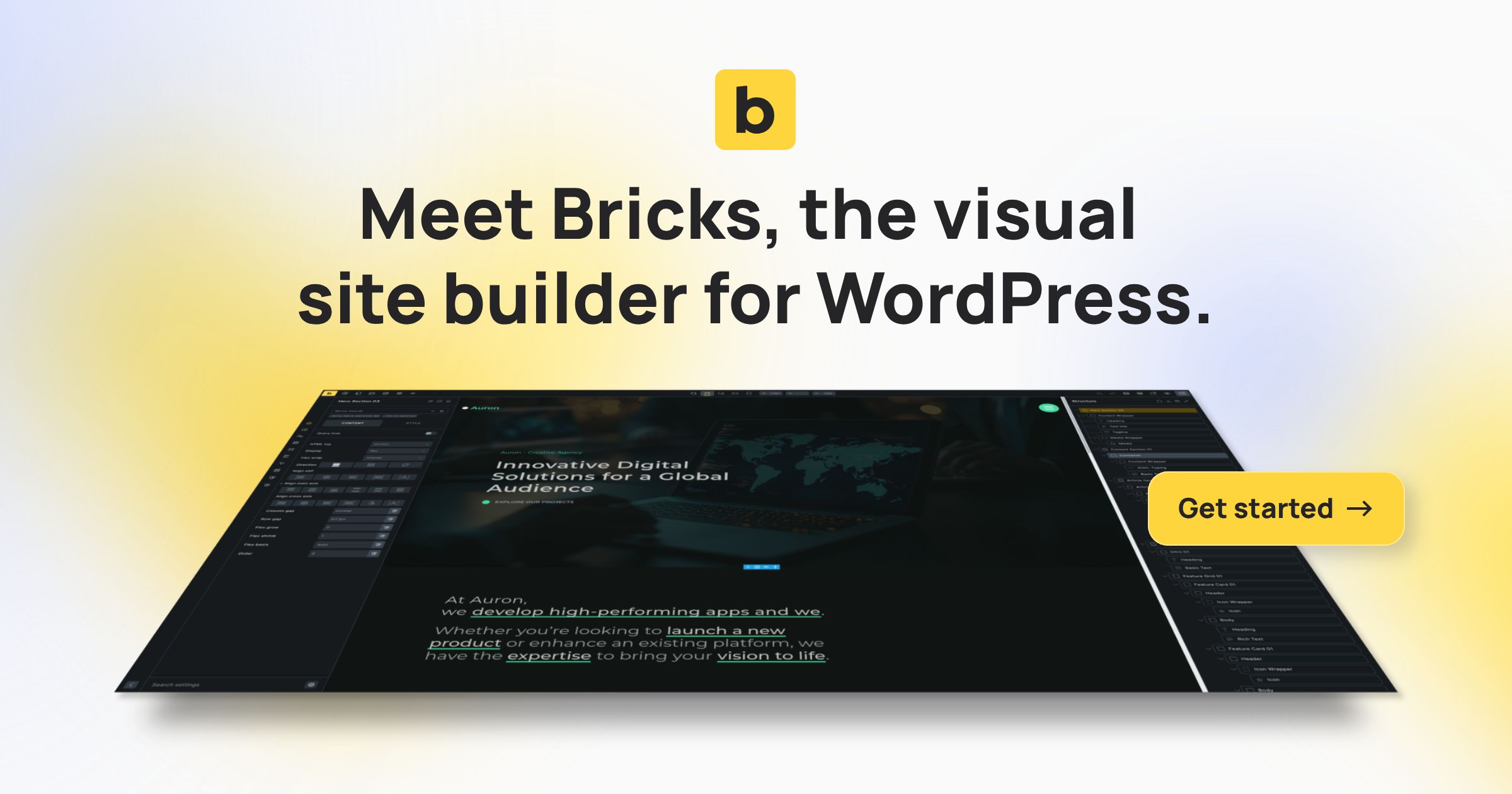
    WordPress builder valued for performance, flexibility, and custom sites.

    Visit Bricks
    ToolTrim verdict Excellent out of 5

    Keep it if You're building performant WordPress sites.

    Compare alternatives
    Bricks, preview 1
    About

    In practice. What you can do with Bricks.

    WordPress builder valued for performance, flexibility, and custom sites.

    Practical uses

    • Create a WordPress e-commerce site.
    • Build a portfolioDynamic galleries.
    • Manage multiple client sites as an agency.

    Features & use cases

    Nocode web
    Wordpress building

    The case for and against. What Bricks does well, and when it costs too much.

    For. What works in its favour.

    • Better performance than Elementor/Divi.
    • Powerful native WooCommerce Builder.
    • Transparent and uniform pricing across editions.
    • 60-day satisfaction guarantee.
    • Email and community forum support.
    • You need a builder with native WooCommerce.
    • You're an agency managing multiple sites.

    Pays off from

    30 minsaved a month

    Bricks costs $20/month. If your hour is worth $40, those 30 min cover it.

    Against. What to plan for.

    • Annual subscription required (except Lifetime).
    • High per-site cost for single site.
    • No permanent free version.
    • Limited commercial support by default.
    • You're building content-only with Gutenberg.
    • You have a very limited budget.

    Too expensive if

    • You use it less than once a month
    • A simple free version or a tool already in your stack would do

    Our verdict. What to know about Bricks.

    Why this verdict

    Excellent

    Bricks is hard to replace short-term, no free tier to test before paying, clearly documented use cases.

    BricksFrom €20/mo
    Visit site