AWeber excels for free start and simple scaling; for advanced automation, ActiveCampaign or GetResponse are better.
About
In practice. What you can do with AWeber.
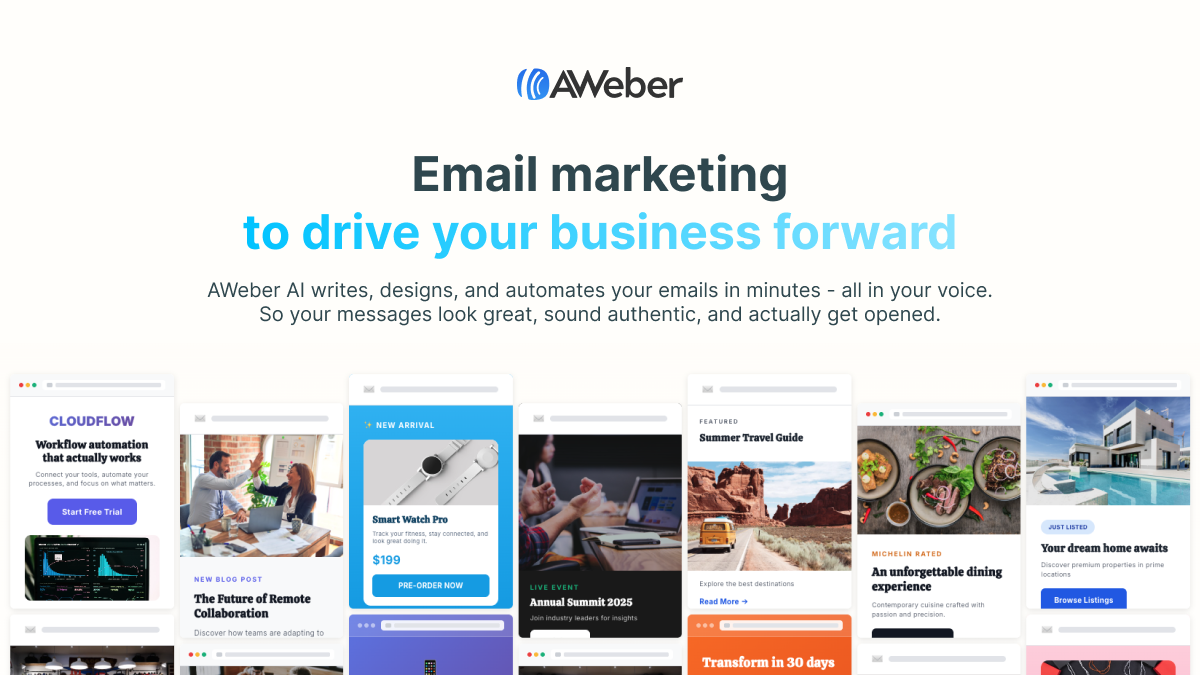
AWeber combines email marketing, landing page creation (with responsive templates and direct purchase buttons), and a Workflow Builder to automate the subscriber journey, with an AI assistant generating subject lines and email body copy.
Its solid deliverability reputation and responsive 24/7 customer support make it a good choice to start; the trade-off is billing based on contact count that includes unremoved unsubscribes, and less advanced automation than newer tools for complex workflows.
Practical uses
Start email marketing for free.
Manage a simple subscriber newsletter.
Welcome sequences and re-engagement automation.
Simple e-commerce cart abandonment.
Features & use cases
Email marketing
Pros and cons. What AWeber does well, and what to expect.
Pros
Permanent, generous free plan.
Simple and intuitive interface.
Great value at small scales.
Solid basic automation.
14-day trial on paid plans.
Cons
Limited features on free tier.
No multi-channel (email only).
Less advanced analytics than competitors.
No AI-driven optimization.
When it makes sense. Keep AWeber, or challenge it?
Keep if
You're starting with email marketing and want a permanent free plan.
You have under 1000 subscribers.
AWeber becomes worthwhile when
+You use it at least once a week
+The monthly cost ($20) is small next to the time it saves you
Challenge if
You need advanced automation and multi-channel features.
You manage large lists (>10k subscribers).
AWeber becomes too expensive when
−You use it less than once a month
−A simple free version or a tool already in your stack would do
Our verdict. What to know about AWeber.
Why this verdict
Average
AWeber is fairly easy to replace with an alternative, no free tier to test before paying, clearly documented use cases.