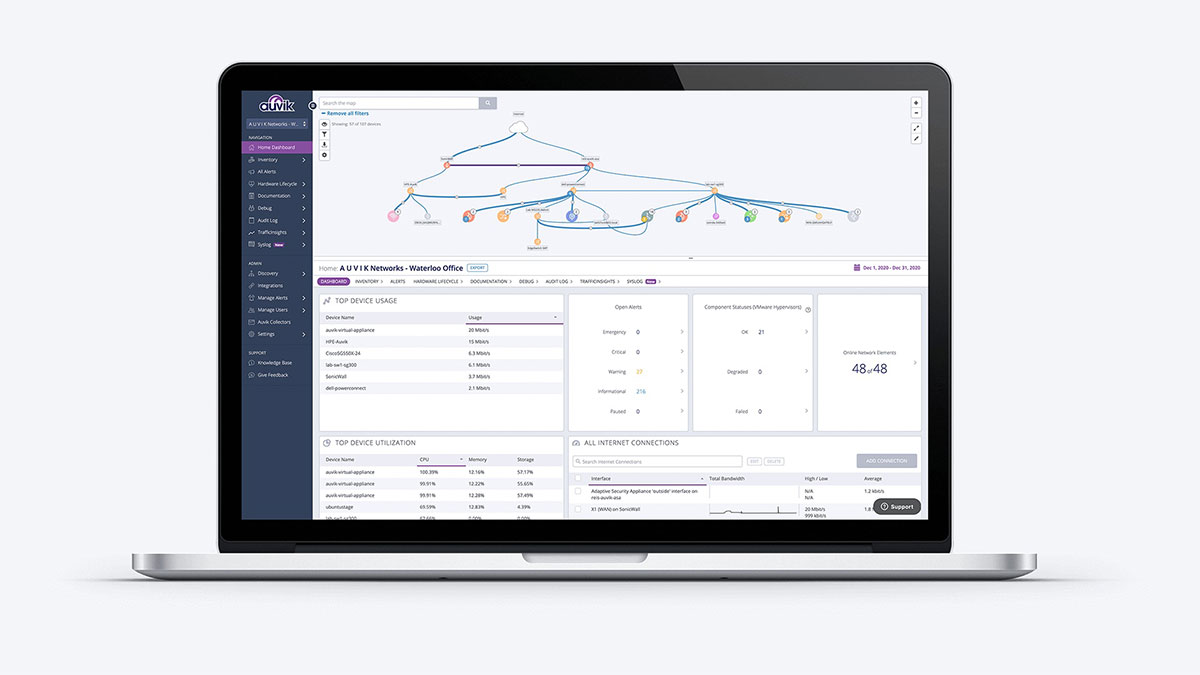
Auvik suits enterprises with substantial network infrastructure; for small networks, lighter solutions suffice.
About
In practice. What you can do with Auvik.
Auvik automatically maps network infrastructure and updates it in real time with every device connection or disconnection, with over 64 preconfigured alerts and remote access (terminal, browser, tunnel) directly built in.
Pricing by billable device count (firewall, switches, routers — not workstations) remains predictable for a standard network, but rises for environments with many network devices. No mobile app for on-the-go monitoring.
Practical uses
Monitor performance of distributed networks.
Alert ITOps teams to network incidents.
Generate network compliance reports.
Features & use cases
It management
Pros and cons. What Auvik does well, and what to expect.
Pros
Automatic device discovery and mapping.
Intelligent alerts and problem recognition.
Ergonomic dashboards and detailed reporting.
Native multi-site support.
Cons
Complex pricing model requiring custom quotes.
Can be expensive with many devices.
No free version.
When it makes sense. Keep Auvik, or challenge it?
Keep if
You manage complex network infrastructure.
You need 24/7 monitoring of critical equipment.
Auvik becomes worthwhile when
+You use it at least once a week
+The monthly cost ($10) is small next to the time it saves you
Challenge if
You have a small network with few devices.
You're looking for free tools.
Auvik becomes too expensive when
−You use it less than once a month
−A simple free version or a tool already in your stack would do
Our verdict. What to know about Auvik.
Why this verdict
Average
Auvik is fairly easy to replace with an alternative, no free tier to test before paying, clearly documented use cases.