Agicap is for mid-sized companies needing robust treasury visibility and automation. For a simple startup or freelancer, a lighter tool works better.
About
In practice. What you can do with Agicap.
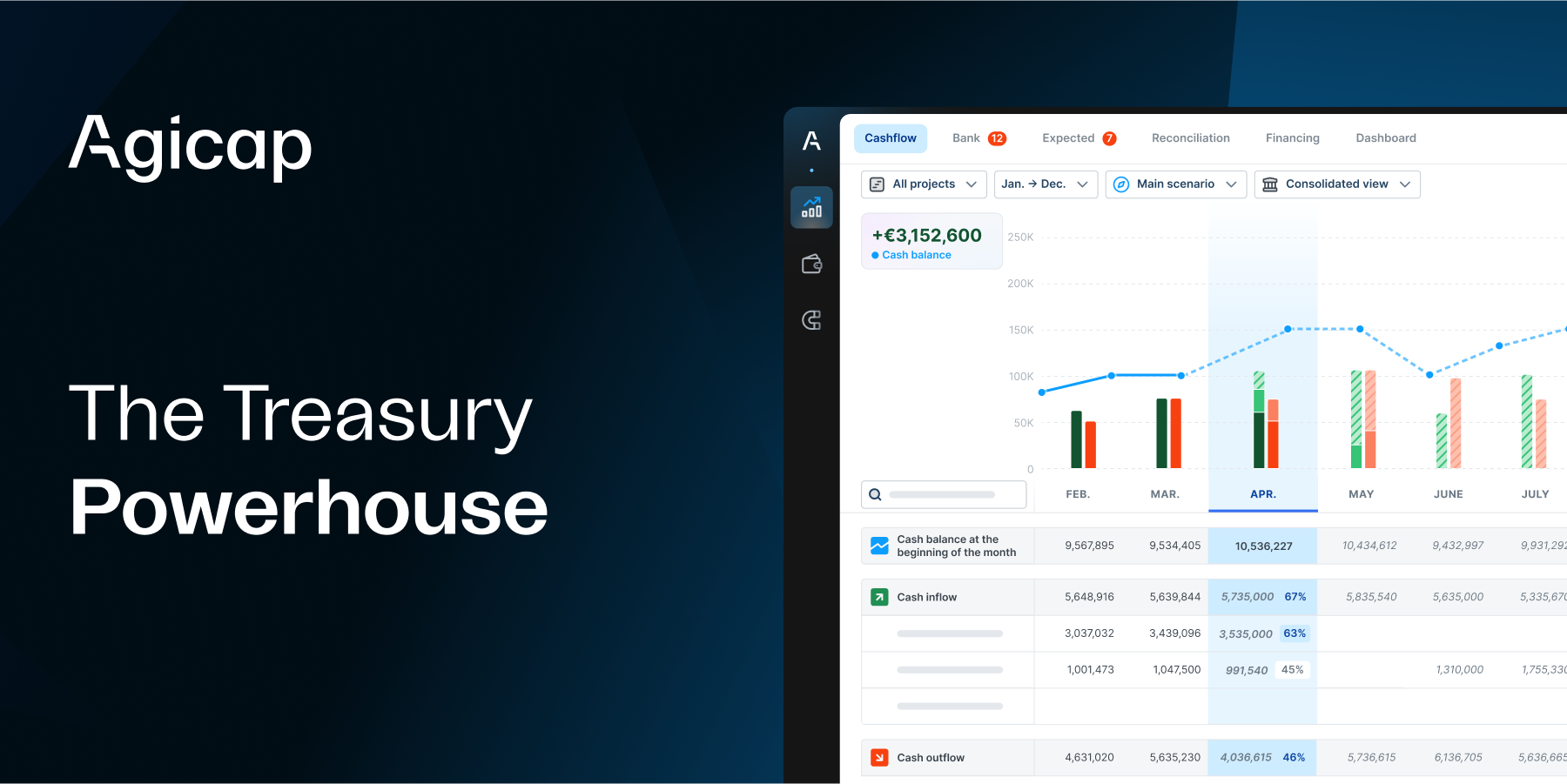
Agicap connects bank accounts and projects cash flow forward: inflows and outflows, scenarios, and alerts on cash pressure. It earns its place as soon as tracking cash in a spreadsheet becomes risky, typically with several accounts or forecasts that need regular revision.
Agicap does not publish pricing. It is negotiated on the number of connected bank accounts and on revenue, with an entry point generally in the several hundred euros per month range. A free trial exists to test before committing.
For a freelancer or a very small business with a single bank account and simple cash flow, Agicap is probably oversized: manual tracking, or an invoicing tool with a basic cash module such as Qonto or Pennylane, already covers most of the need.
Practical uses
Forecast and manage cash for a mid-sized business.
Automate receivables and vendor payouts.
Audit and reconcile monthly bank transactions.
Features & use cases
Consulting workflow
Pros and cons. What Agicap does well, and what to expect.
Pros
Real-time aggregation of all bank flows.
Sophisticated forecasting based on historical data.
Multi-currency support and ERP/accounting integrations.
EU regulatory compliance built-in.
Cons
No free tier; quote-based pricing only.
May be oversized for solo freelancers.
Implementation and onboarding can be lengthy.
When it makes sense. Keep Agicap, or challenge it?
Keep if
You manage a mid-sized business with complex cash flow.
You need reliable forecasting and centralized bank visibility.
Challenge if
You're looking for a free or very cheap tool.
Your cash flow is simple with few bank accounts.
Our verdict. What to know about Agicap.
Why this verdict
Average
Agicap is fairly easy to replace with an alternative, no free tier to test before paying, clearly documented use cases.