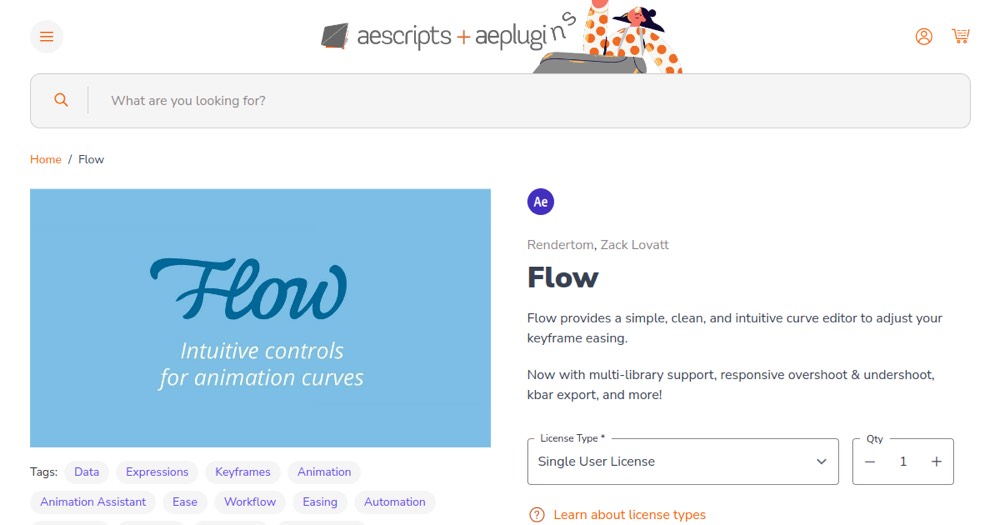
The Single User License is a $35 one-time cost, confirmed directly on aescripts.com; try the free trial first since its duration isn't stated.
About
In practice. What you can do with Flow (aescripts).
Flow targets one specific friction point in After Effects: shaping keyframe easing without fighting the native Graph Editor. It comes with 25 built-in curves based on Robert Penner's easing functions, a library system to save and reuse custom presets across projects, and a CSS cubic-bezier export for handing motion values to a web developer.
It is sold as a one-time Single User License at $35, confirmed directly on aescripts.com, with a free trial available (duration not stated) and a pricier Floating Server License for multi-seat use. It only works as a plugin inside After Effects (versions 2020-2026), not as a standalone app.
Practical uses
UsageApply one of the 25 built-in easing curves to a keyframe instead of hand-tweaking the Graph Editor, result: a polished animation motion in seconds.
UsageSave a custom easing preset to a shared library, result: the same motion feel is reused across projects and teammates without rebuilding the curve each time.
Features & use cases
Animation 2d 3d
Motion design
Pros and cons. What Flow (aescripts) does well, and what to expect.
Pros
CSS cubic-bezier export bridges the gap between motion design and front-end development.
A reusable, shareable preset library avoids rebuilding the same easing curve project after project.
Cons
The free trial's duration isn't stated anywhere on the product page.
It only works as a plugin inside After Effects, so it adds no value without an existing Adobe subscription.
When it makes sense. Keep Flow (aescripts), or challenge it?
Keep if
Keep it if you animate regularly in After Effects and the native Graph Editor slows down your easing work.
Challenge if
Avoid it if you don't use After Effects, or if a bundled tool like Animation Composer already covers your easing needs.
Our verdict. What to know about Flow (aescripts).
Why this verdict
Average
Added value
A $35 one-time license (confirmed live on aescripts.com) for a dedicated easing editor and reusable preset library is a low, pays-for-itself cost for anyone animating in After Effects regularly, with a free trial to check fit first.
Simplicity
Neutral score: the time and skill needed to get a first useful animation curve is not covered by the collected sources.
Fit for purpose
The documented features (curve editor, 25 built-in easings, preset library, CSS export) deliver the promised faster easing workflow, based on a third-party review rather than the official page.
Performance
Neutral score: how it compares in ceiling of capability to competing easing tools like Ease and Wizz is not covered by the collected sources.
Reversibility
Neutral score: what happens to saved easing presets and libraries if the extension is uninstalled is not covered by the collected sources.