Worth it once the $75 one-time license costs less than the time spent manually rebuilding layers on a couple of projects.
1 / 2
About
In practice. What you can do with Overlord.
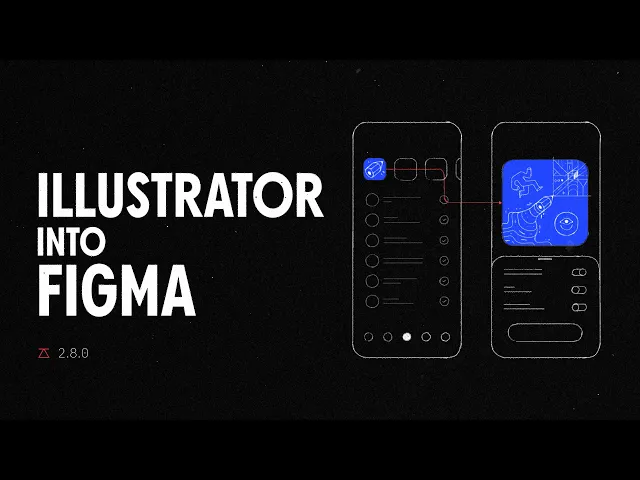
Overlord is an After Effects and Illustrator plugin that moves layered artwork from Figma, Photoshop and Illustrator into After Effects without flattening it: masks, gradients, styles, layer names and per-character text formatting come across editable. It also supports bidirectional transfers between Figma and Illustrator, cutting out manual rebuilding when a motion designer animates a static design.
The plugin is a one-time $75 purchase per single-user license, covering two computers and one year of feature updates; there is no free trial, so testing it means buying it. It fits a solo motion or product designer who regularly moves Figma or Illustrator files into After Effects and wants to skip rebuilding shapes and text by hand.
Practical uses
HandoffBring a finished Figma UI frame into After Effects with layers, text styles and masks intact for a product demo animation.
IteratePush an edited Illustrator vector back and forth with After Effects during an animated logo revision without rebuilding shapes.
Features & use cases
Illustration vectorielle
Motion design
Workflow ae
Animation 2d 3d
Pros and cons. What Overlord does well, and what to expect.
Pros
One-time purchase, no recurring subscription to maintain access.
Preserves editable text styling and masks instead of flattening artwork.
Bidirectional Figma-Illustrator transfer speeds up back-and-forth revisions.
Cons
No free trial, so evaluating the plugin requires paying for it first.
Freeform and mesh gradients must be rasterized instead of transferring as editable shapes.
When it makes sense. Keep Overlord, or challenge it?
Keep if
You regularly move Figma, Photoshop or Illustrator files into After Effects and are tired of rebuilding layers by hand.
Challenge if
You animate only occasionally, or your app versions don't meet the minimum requirements.
Our verdict. What to know about Overlord.
Why this verdict
Average
Added value
A one-time $75 purchase replaces repeated manual layer rebuilding across Figma, Illustrator, Photoshop and After Effects.
Simplicity
Requires specific up-to-date app versions on both ends of the transfer before it works, which adds setup friction.
Fit for purpose
Preserves masks, gradients, styles and per-character text styling as advertised, with only freeform/mesh gradients needing a workaround.
Performance
Covers the main design apps used in motion pipelines (Figma, Photoshop, Illustrator, After Effects) but is limited to layer transfer, not a full animation toolkit.
Reversibility
Neutral score: export or data portability outside the supported apps is not covered by the collected sources.