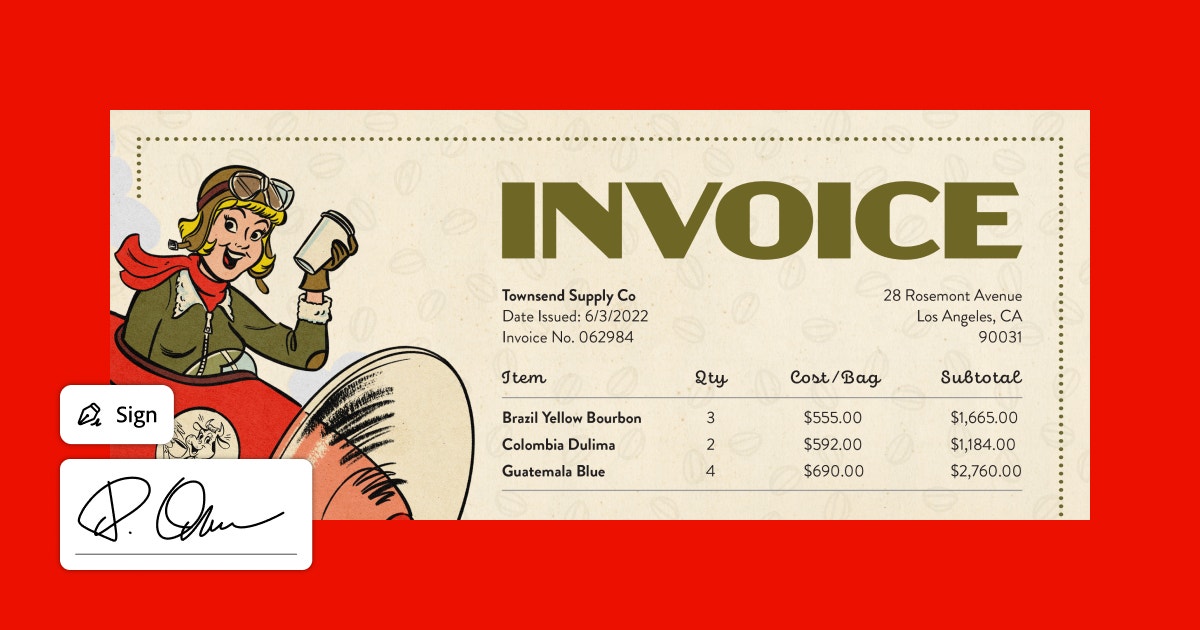
Acrobat Sign makes sense when e-signature is recurring and integrated into an Acrobat/PDF flow; for occasional needs, a dedicated or free tool may suffice.
About
In practice. What you can do with Adobe Acrobat Sign.
Adobe's electronic signature solution, integrated into the Acrobat/Documents ecosystem.
Key strengths: Compliant, secure electronic signature.; Send, track and remind on documents to sign.; Forms and approval workflows.; Integration with Acrobat and Document Cloud..
Acrobat Sign makes sense when e-signature is recurring and integrated into an Acrobat/PDF flow; for occasional needs, a dedicated or free tool may suffice.
Practical uses
Get a contract e-signedTracking.
Set up a document approval workflow.
Send forms to fill in and sign.
Features & use cases
Collaboration
Legal contracts
Pros and cons. What Adobe Acrobat Sign does well, and what to expect.
Pros
Compliant, secure electronic signature.
Send, track and remind on documents to sign.
Forms and approval workflows.
Integration with Acrobat and Document Cloud.
Cons
Dedicated paid offering, relevant for recurring use.
Tied to the Adobe ecosystem.
Overkill for very occasional signing.
When it makes sense. Keep Adobe Acrobat Sign, or challenge it?
Keep if
You collect e-signatures on a recurring basis.
You want signing integrated with the Acrobat/Document Cloud ecosystem.
Challenge if
Your signing needs are rare.
You prefer a dedicated, standalone e-signature tool.
Our verdict. What to know about Adobe Acrobat Sign.
Why this verdict
Great
Adobe Acrobat Sign is fairly easy to replace with an alternative, a free tier to test before paying, clearly documented use cases.