Pros and cons
What Adobe Acrobat Pro does especially well — and the limits to anticipate.
Pros
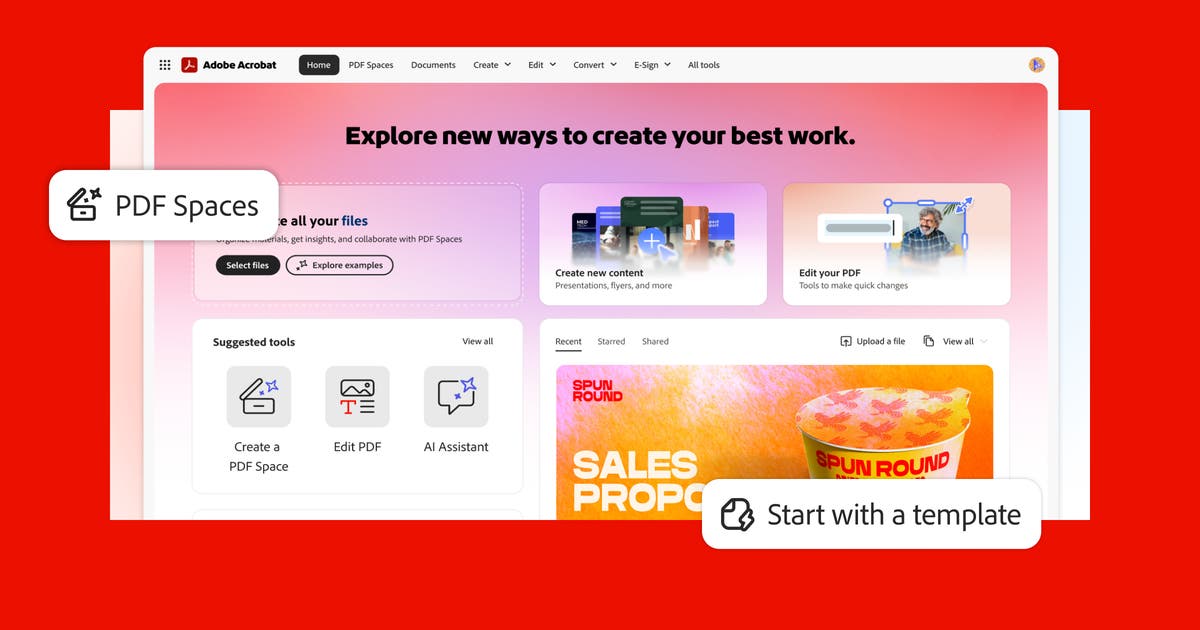
- The PDF reference: creation, editing, conversion.
- Electronic signature and encryption.
- OCR, comments and redaction.
- Free Reader for viewing and annotating.
Cons
- Full editing requires a paid license / Creative Cloud.
- Advanced features can be overkill for simple use.
- Adobe ecosystem (Document Cloud) for online services.
Adobe Acrobat Pro: when it makes sense.
Acrobat makes sense when creating and editing PDFs is a recurring need; for simple reading, free Reader suffices.
Keep if
You create, edit and manage PDFs regularly.. You need forms, comments, OCR or signatures.
- You use it at least once a week
- The monthly cost (€20) is small next to the time it saves you
Challenge if
You only read PDFs: free Acrobat Reader is enough.. Your PDF editing needs are occasional.
- You use it less than once a month
- A simple free version or a tool already in your stack would do