Test it on a real campaign: usable variants and time saved must justify the credits consumed.
1 / 2
About
In practice. What you can do with AdCreative.ai.
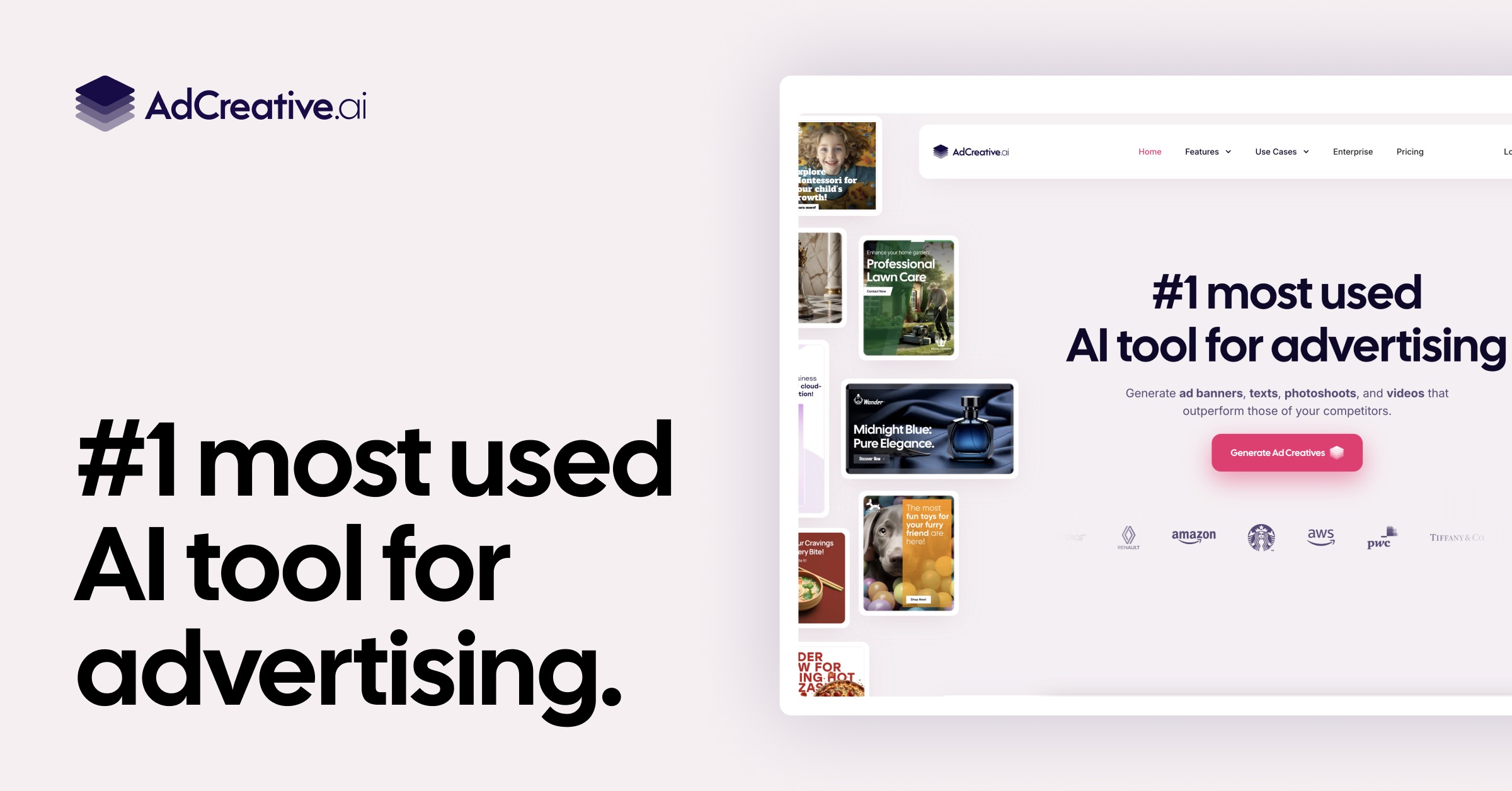
AdCreative.ai helps marketing teams and e-commerce sellers turn brand assets into ad visuals and copy. Generate multiple variants before choosing which ones to download.
Creative scoring helps prioritize ads to test. It guarantees neither conversions nor profitability: measure results in your own campaigns, with your audience and offer.
Our advice: use the 7-day trial on a real product. Compare usable exports, editing time and credits consumed with your current workflow. Canva or manual design may better suit occasional posts or very specific art direction.
Practical uses
Turn an e-commerce offer into banners.
Prepare variants for an A/B test.
Refresh campaign creatives.
Features & use cases
Creator workflow
Pros and cons. What AdCreative.ai does well, and what to expect.
Pros
Ad variants built from brand assets.
Select variants before downloading.
Creative scoring to organize tests.
Cons
Credits limit download volume.
AI scores do not guarantee campaign performance.
Editing and brand review are still needed.
When it makes sense. Keep AdCreative.ai, or challenge it?
Keep if
You regularly produce variants for paid campaigns.
You measure tested creatives to select the best ones.
Challenge if
You only need occasional posts.
You expect guaranteed performance or bespoke design.
Our verdict. What to know about AdCreative.ai.
Why this verdict
Great
AdCreative.ai is fairly easy to replace with an alternative, no free tier to test before paying, clearly documented use cases.