Infinite-canvas whiteboard with a hand-drawn style, free real-time collaboration, and an open-source core.


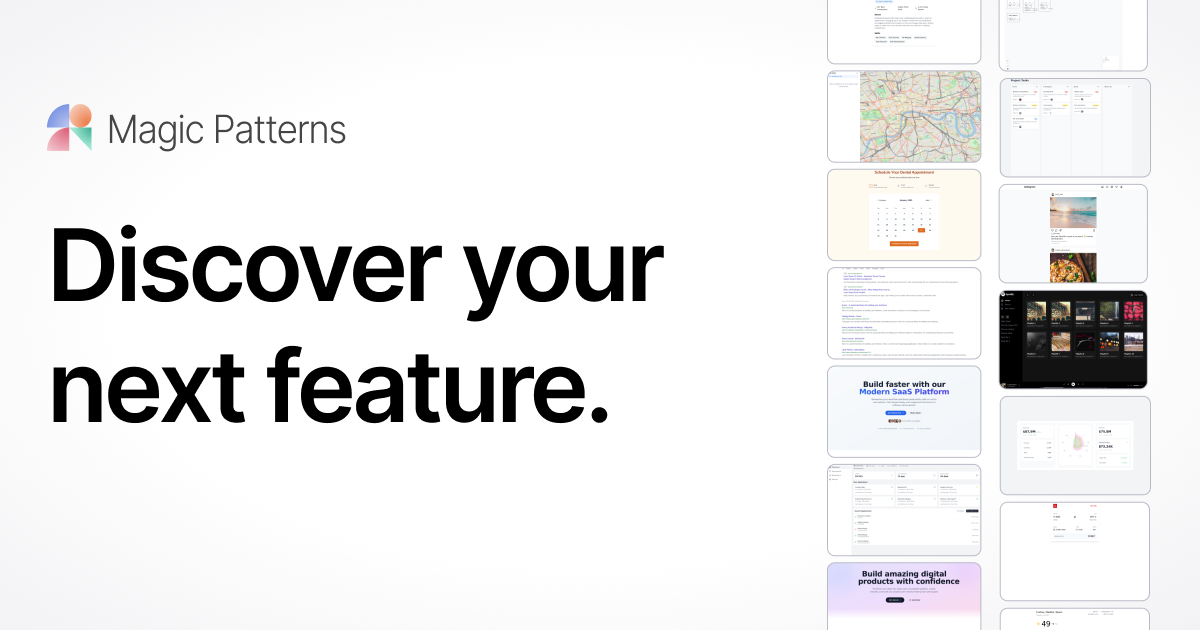

AI-powered UI component and prototype generator from prompts.
40 tools ranked by relevance
Infinite-canvas whiteboard with a hand-drawn style, free real-time collaboration, and an open-source core.
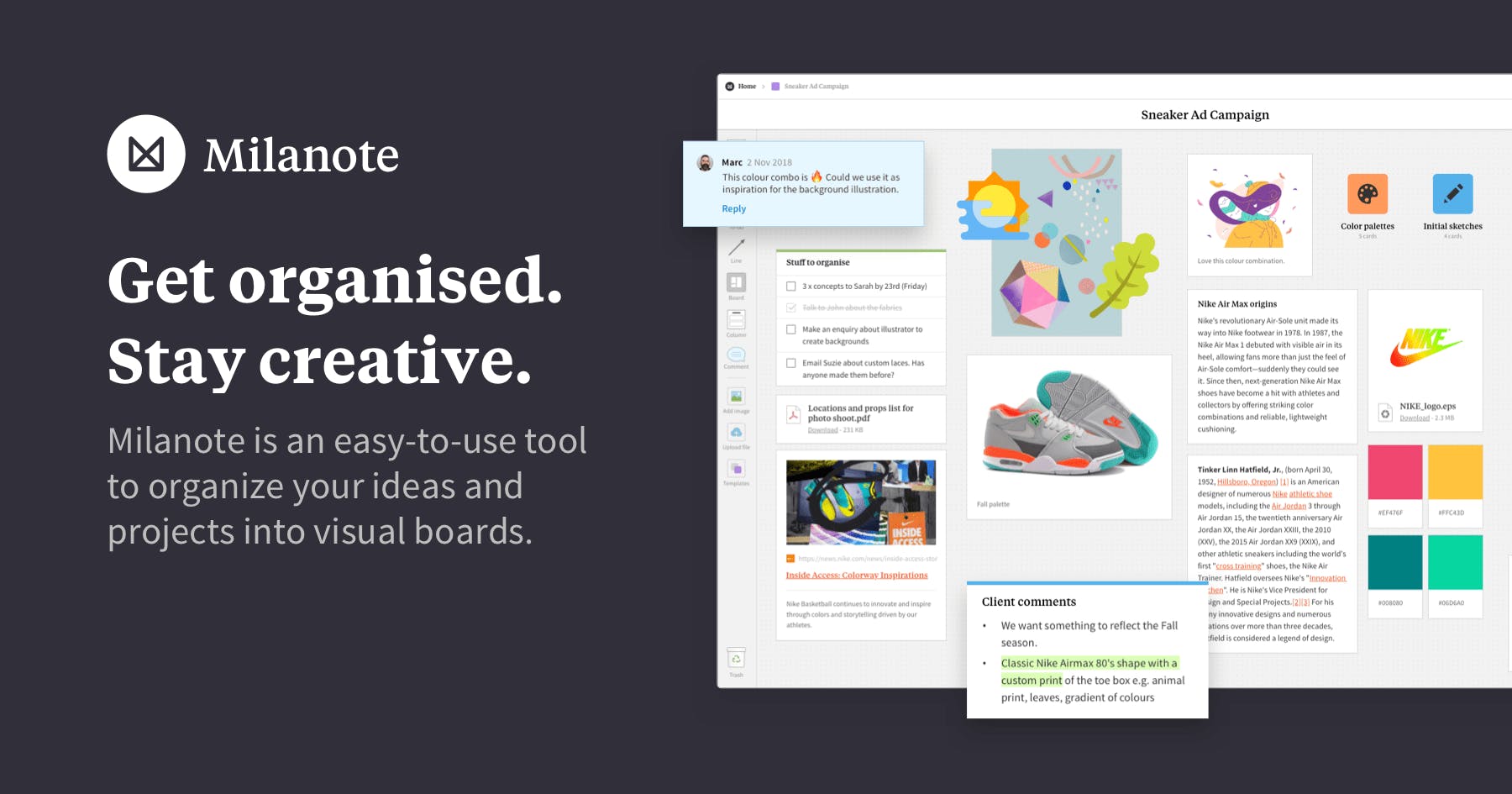
Milanote organizes notes, images, links and files on visual boards for creative projects, with real-time board sharing.

Framer is a no-code visual website builder with a built-in CMS, staging environment and AI-assisted design and content features.
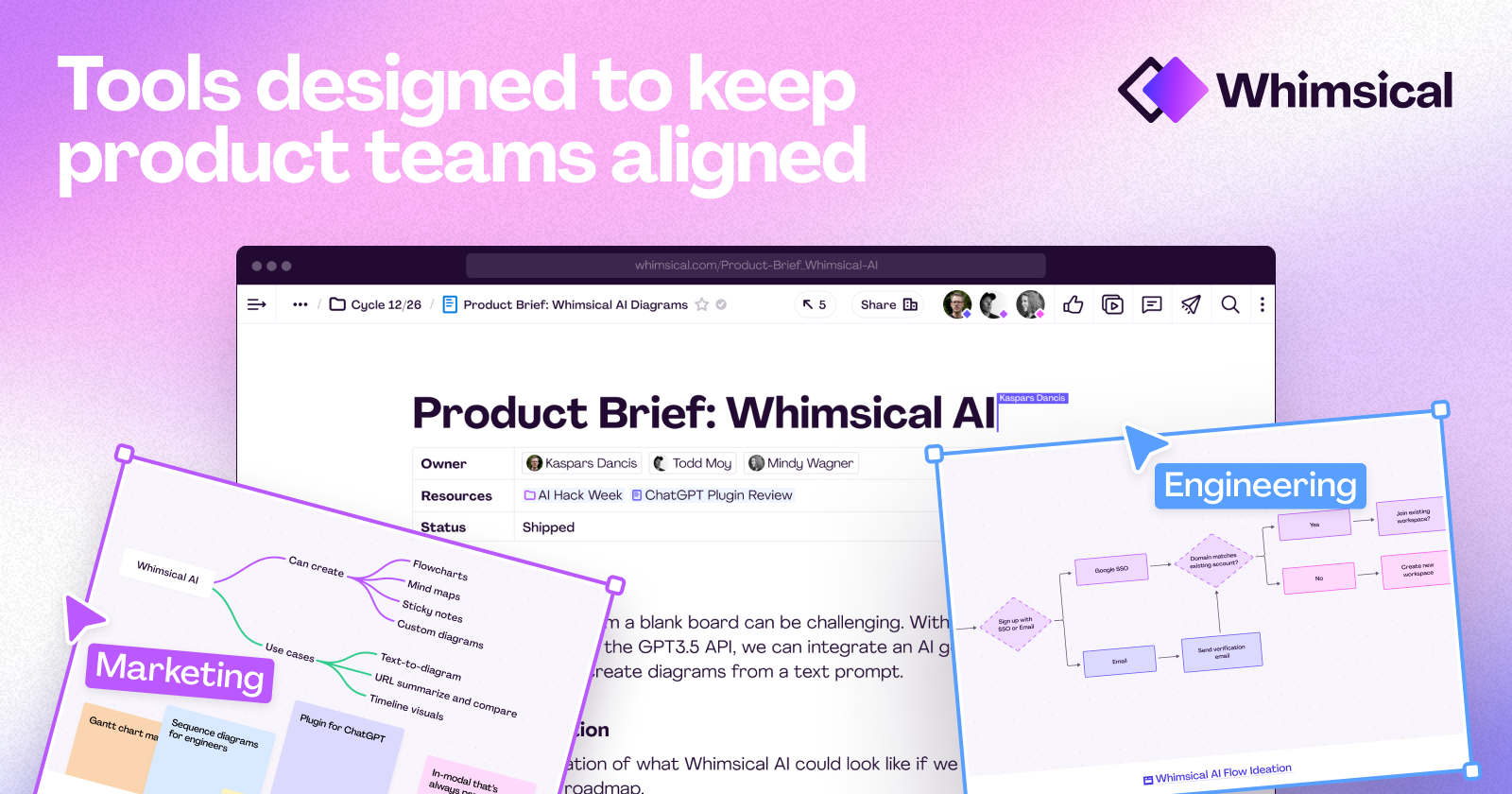
Wireframes, flowcharts, mind maps and docs on infinite canvas with AI.

Free open-source alternative to Figma — collaborative design and prototyping.

FlowMapp builds collaborative sitemaps, user flows and wireframes for planning a website before high-fidelity design.
A fast, intentionally low-fidelity wireframing tool for sketching app and website flows before full-fidelity design.
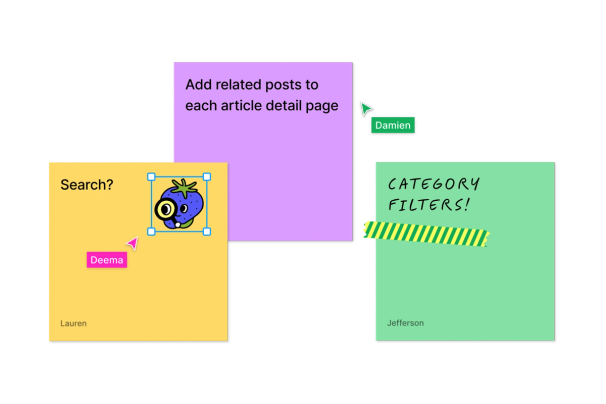
Collaborative digital whiteboard by Figma for brainstorming, team alignment, and planning. Included free with all Figma plans, no additional cost.
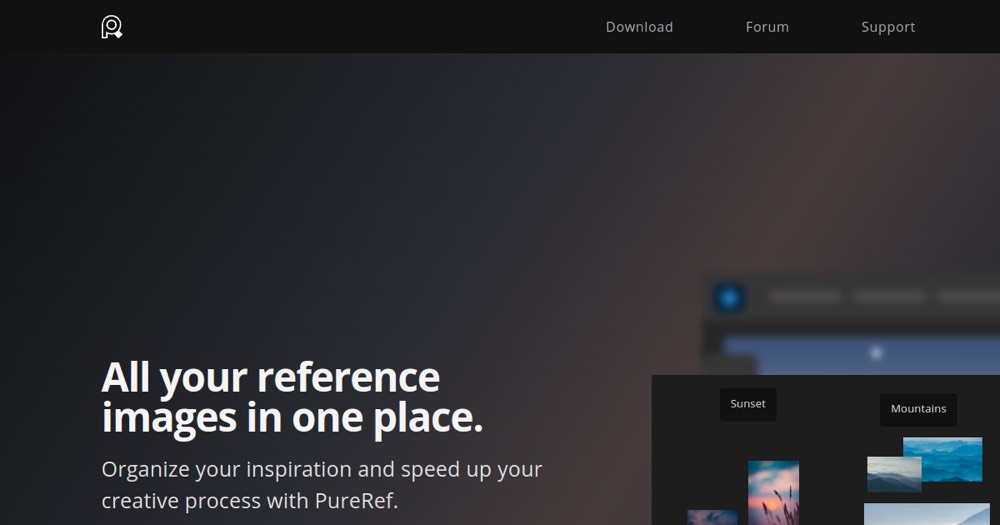
Lightweight reference board for artists, illustrators, and 3D.
Generate React/Tailwind UI components from a text description.
AI-powered wireframing tool for agile teams, simple and collaborative.

Online collaborative whiteboard.

Cloud-based collaborative presentation platform with AI-powered slide generation, viewer analytics, and integrations with Slack, Notion, Figma, and HubSpot.

UI prototyping and design (discontinued).
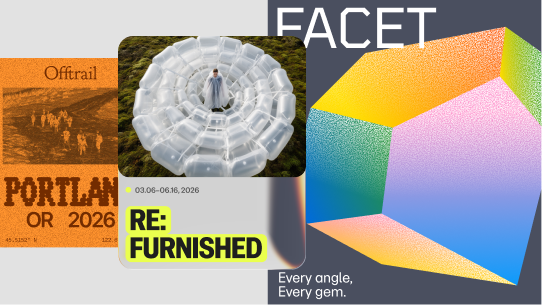
Vector-based interface design tool with real-time collaboration, components and a Dev Mode handoff to code.

Free interactive prototyping toolkit for Mac, created by Meta.
Free browser-based code editor with local execution and instant preview.
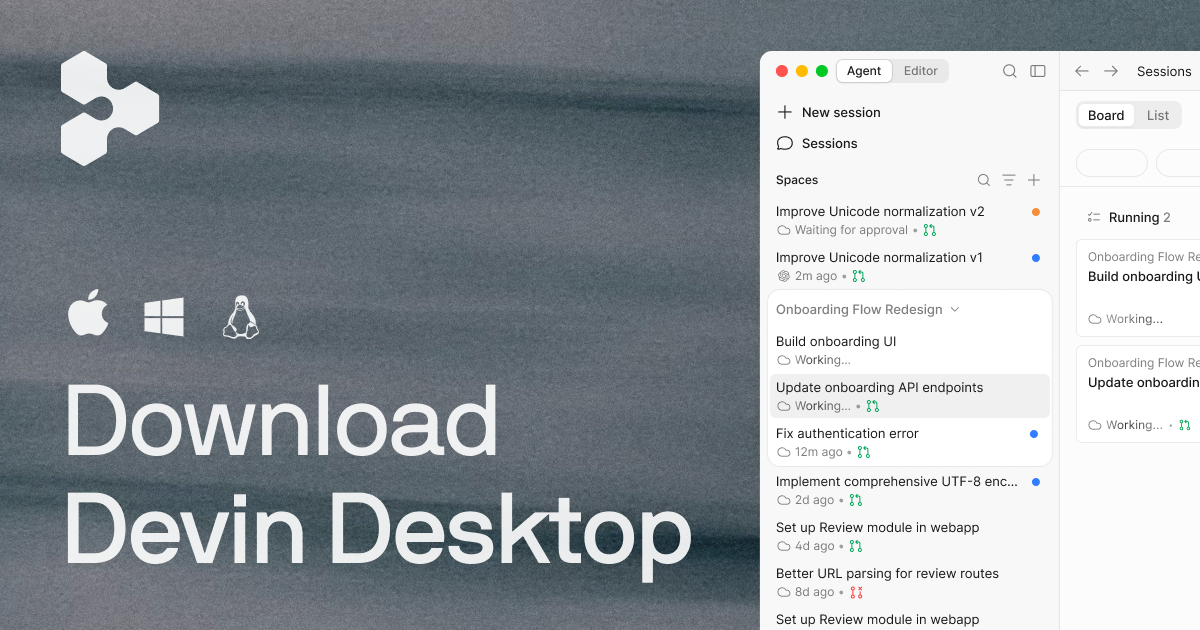
Agentic AI code editor — the Cursor alternative with Cascade AI.

AI-driven prototyping platform for creating complex interactions and testing prototypes on real devices (mobile, web, automotive, IoT, gaming).

Illustration workspace and advanced vector toolset built into Figma Design. Draw works inside Figma files and is not a standalone application.