Recharts — when it makes sense.
The best compromise for charts in a React project.
You use React and need standard charts. You want to avoid the complexity of D3.js
You need highly custom visualizations. You don't use React (prefer Chart.js)
Less flexible than pure D3.js for very custom work
Recharts Summary
In short- Category
- productivity tool.
- Price from
- Free.
- Best for
- professionals.
- Avoid if
- You need highly custom visualizations; You don't use React (prefer Chart.js).
- Alternatives
- Chart.js, D3.js, ApexCharts.
- ToolTrim verdict
- The best compromise for charts in a React project.
Who is Recharts for?
Recharts, strengths and limitations.
What it does well
- Declarative React-native API
- Responsive by default
- Built-in tooltips and legends
- Good documentation
Where it falls short
- Less flexible than pure D3.js for very custom work
- Performance on very large datasets
- Limited animations
What Recharts covers.
What is Recharts used for?
Our take on Recharts.
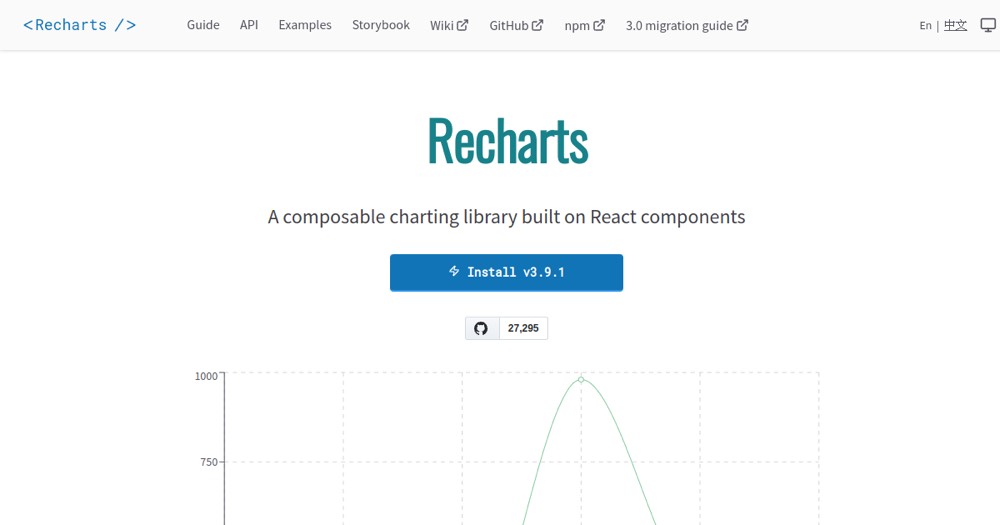
Recharts is probably the simplest way to add charts to a React project. It wraps the power of D3.js in declarative components (BarChart, LineChart, PieChart, AreaChart) you compose like any JSX. Tooltips, legends, and responsiveness are handled out of the box. It's free and open source.
For 90% of SaaS dashboards and metrics reports, it's exactly what you need: you get a clean chart in a few lines, without diving into D3's low-level mechanics. The documentation is decent and the community large.
Limits show up in edge cases: highly custom visualizations (where pure D3.js remains essential), very large datasets, or sophisticated animations. If you're not on React, Chart.js fits better. But for standard charts in a React app, Recharts is the most effective compromise between simplicity and output.