
OVHcloud's entry-level shared web hosting for personal sites and small WordPress projects, with SSL and backups included.




Mobile CI/CD for Flutter, React Native, native iOS/Android and more, automating builds, code signing and store submissions, free tier or usage-based pricing.
40 tools ranked by relevance
OVHcloud's entry-level shared web hosting for personal sites and small WordPress projects, with SSL and backups included.

Managed cloud document database from MongoDB, with a free tier and usage-based dedicated clusters.
Serverless Postgres database with autoscaling, instant branching and point-in-time restore, billed by compute and storage usage.

Apple portal for submitting, testing, and managing iOS apps.
AWS is a pay-as-you-go cloud platform for compute, storage, databases, networking and AI across hundreds of services.
Open-source Redis-backed job queue library for Node.js, with an optional $139-a-month Pro tier for advanced features and support.
Python task queue for workers, async jobs, and retries.
Containers to reproduce environments, services, and dependencies reliably.
EAS Build runs cloud builds, code signing, over-the-air updates and app store submission for React Native and Expo apps on Android and iOS.
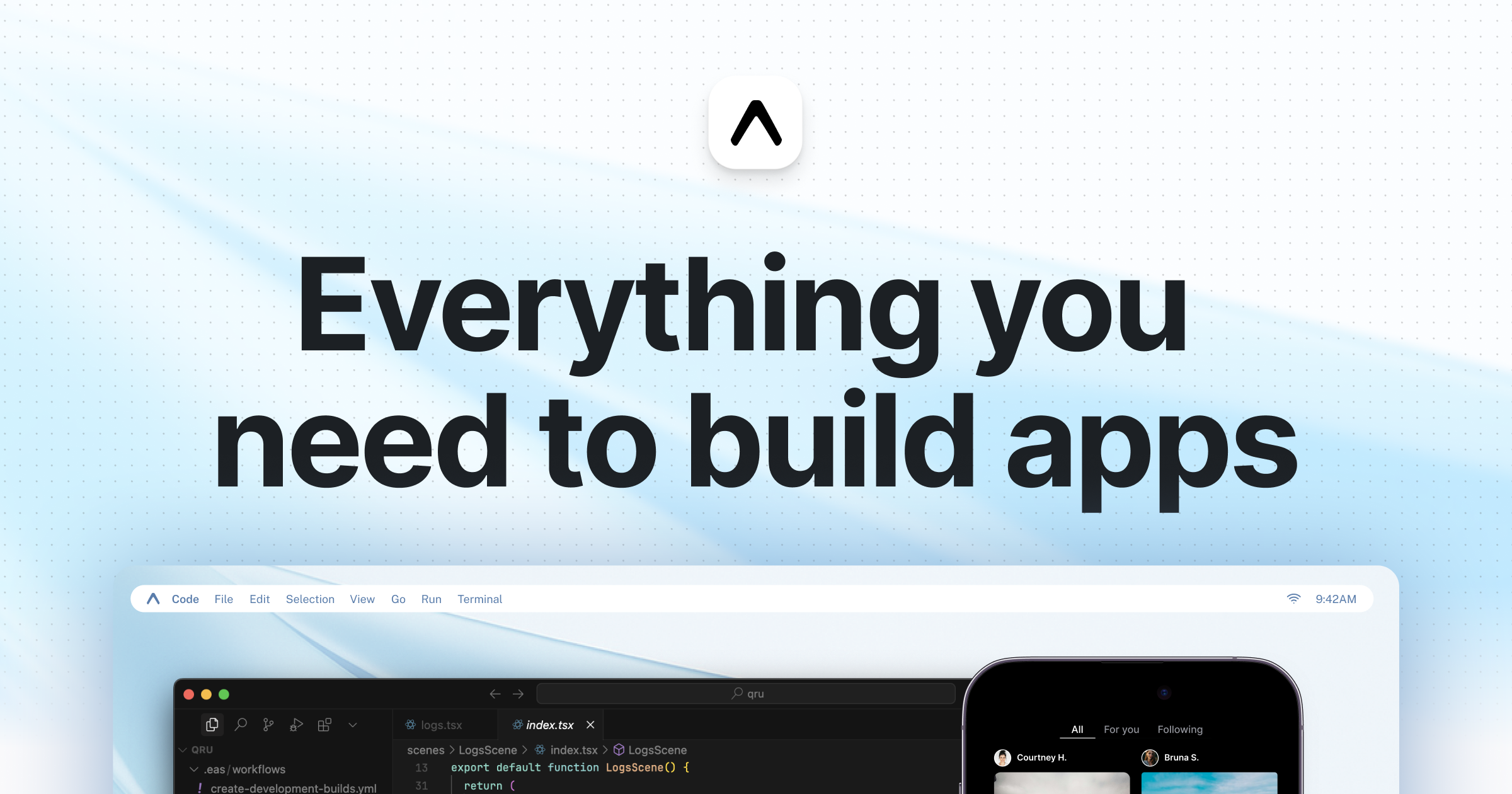
Cloud platform that builds, submits and updates React Native mobile apps, with over-the-air updates bypassing app store review.

Google Cloud Platform offers managed compute, storage, database, networking and AI/ML services, billed by actual usage.

The console for publishing, testing, monetizing and monitoring Android apps on the Google Play Store, with a one-time developer registration fee.

Swiss hosting for websites, email, cloud, and collaboration tools.

Premium managed WordPress hosting for performance and support.

Kubernetes automates the deployment, scaling and self-healing of containerized applications, with costs coming from the infrastructure that runs it.
Local is a free desktop app for building, testing and backing up WordPress sites offline, with one-click links to share a site for review.

Self-hosted WordPress management for maintenance, updates, and clients.
Multi-site WordPress management: updates, backups, monitoring, and reports.

Microsoft cloud for infrastructure, applications, data, and enterprise work.
Key-value store for cache, queues, rate limiting, and sessions.


